
The Sinking City 2 got its HDR update (1.1.0) on October 6, on PC, PS5 and Xbox Series X|S, with HDR10+ GAMING support too.
All of it was done by Gamma Studios: HDR, Spectre (my new proprietary SDR & HDR tonemapper), a reworked DLSS configuration, and ultrawide support improvements, built on top of my UE 5.8 code.
I'm not going to break down the technology used by the game. Instead, my goal is to show you a collection of edge cases you will run into when creating an HDR presentation in Unreal Engine (some of them apply to SDR as well), with The Sinking City 2 as the example.
Thanks to Frogwares for the trust, and for letting me share this.
And if you haven't played the game yet, do it! It's an amazing survival horror game, with great art and great gameplay.
Note: most images in this post are HDR (10bit PQ AVIF). To view them properly you need an HDR display with HDR enabled in Windows, and Chrome or Edge. Set the Windows "SDR content brightness" slider to ~31 for a dark room (don't ask why), or more in a lit room. On SDR screens, your browser will tonemap them and the differences will look smaller.
How I approach an HDR implementation
A quality HDR presentation is about a lot more than just turning on the HDR flag in Unreal and adding a bunch of sliders to the game:
- When the art is signed off in SDR, SDR is my reference, so HDR needs to be a natural continuation of it, not a different look or an alternative grade. The average brightness should stay the same, with HDR adding more range, definition and a bit of saturation through the expanded gamut.
- I play the whole game in HDR and SDR, and in 32:9. Every post process effect, UI screen and video that could behave differently in HDR gets checked. In some cases there's no full list of these, so It's up to me to find all of them.
- The look is defined by us. We expose one or two calibration sliders at best. It's not the responsibility of the user to find an image that looks good, we do it for them (as it should, and as it is in SDR).
- I work directly in the game and engine code.
- I have a set of HDR settings and parameters to tweak live so I can best define settings that look best for each specific game.
- I fix things at the source. If it's the content, I tell the artists what to change and why. If it's Unreal or in plugins, I fix it in their source.
- I make sure HDR runs as fast as SDR.
1. Fire
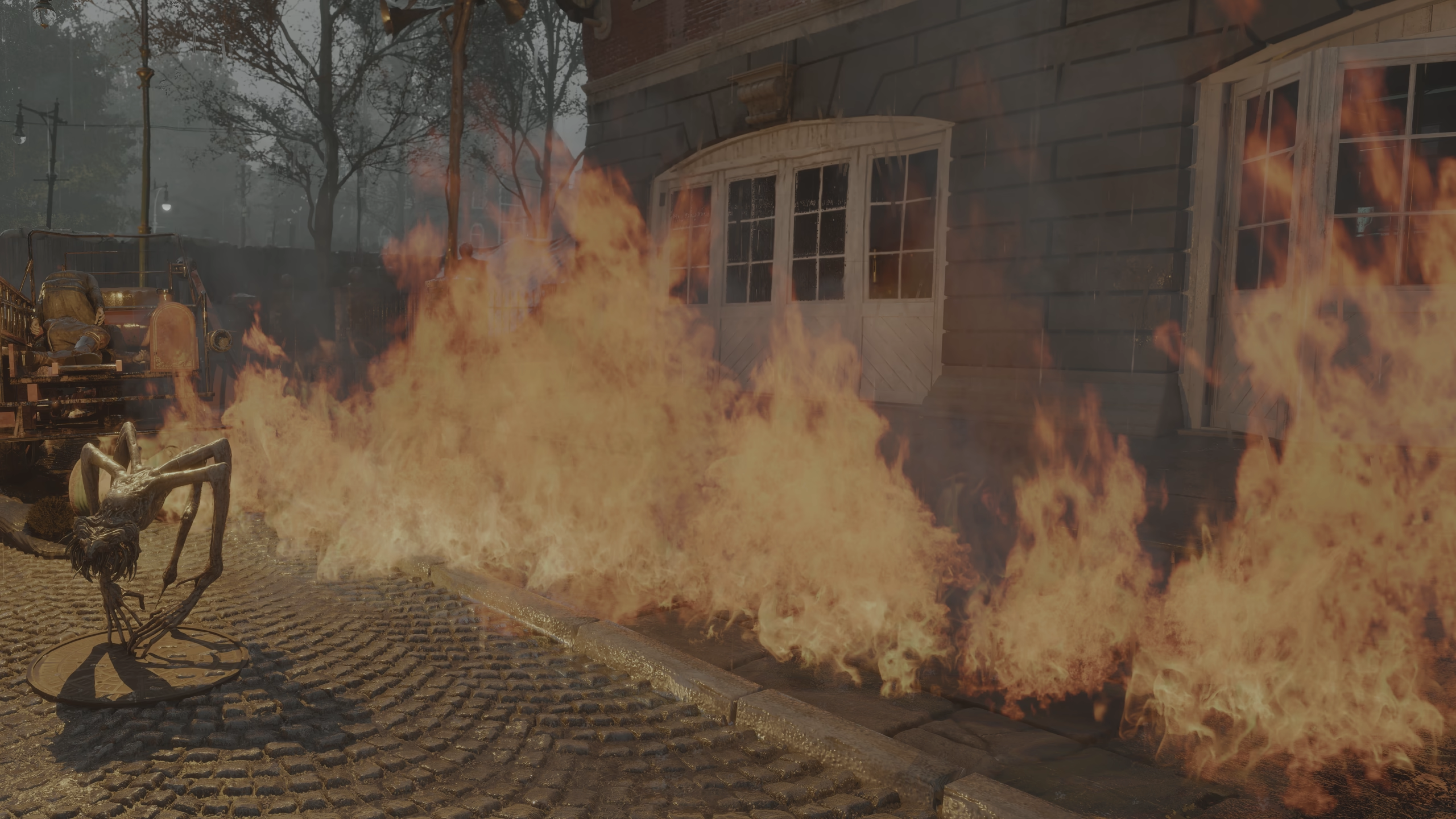
Fire is one of the hardest things to get right in both SDR and HDR. Its look is almost entirely defined by highlights, which is exactly where the tonemapper shifts colors the most.
Unreal's default filmic tonemapper (which the game shipped with, like most UE games) works per channel, which means that red, green and blue are compressed independently. A side effect is that highlights shift hue as they get brighter: red turns orange, blue turns purple, etc., before everything desaturates to white.
Art is made on top of the tonemapper, so these hue shifts get "baked" into the look. Here, the fire's raw color is a deep orange, and it's the tonemapper that turns its hottest parts yellow and almost white. The fire looks quite good in SDR, the look is very likely intended, so it's my responsibility to keep it, in both SDR and HDR.
The issue is that in HDR, the top of the curve depends on your display. Your TV might do 400 nits, 1000, 2000 or more.
With per channel tonemapping, the hue of highlights changes with the peak brightness, so the same fire ends up with a different color (and vibe) on every display. This happens in many games.
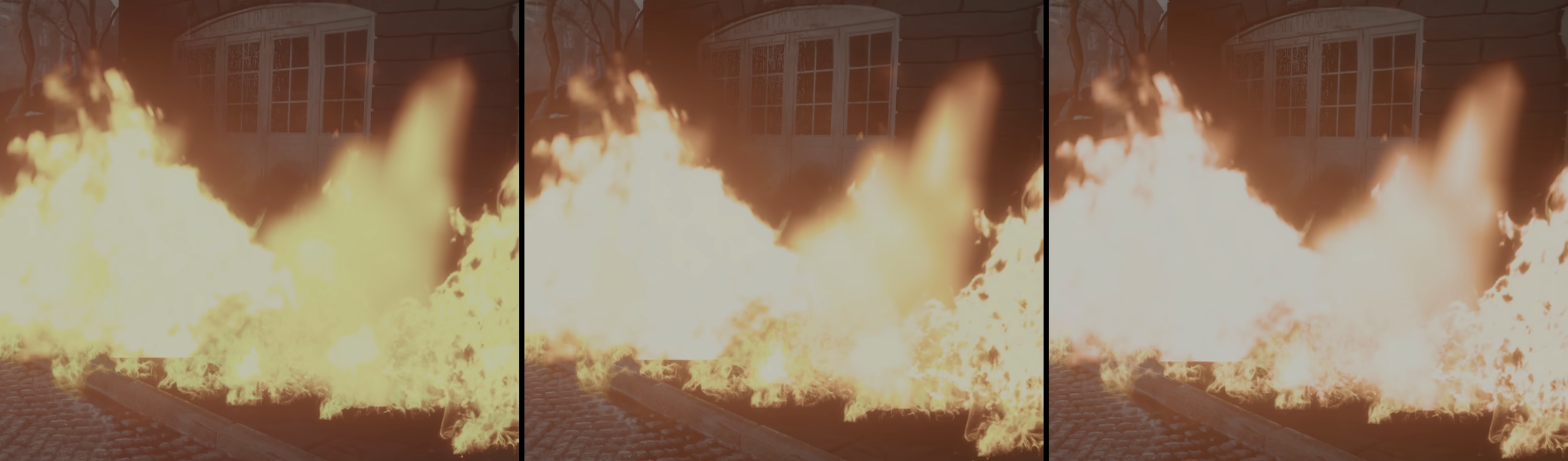
However... per channel tonemapping, as opposed to luminance tonemapping, is also the most reliable way of keeping gradients smooth and perceptually plausible.
Spectre, the proprietary tonemapper I built, works in LMS, mirroring how the cones in our eyes respond to light. This by itself doesn't necessarily mean much, as most of how we perceive a color is defined by our "brain", not the eyes, however, LMS produces very pleasing and natural hue shifts, while largely avoiding the blue->purple problem.
It's main design feature is that it allows you to pick a fixed mastering brightness (e.g. 1000 nits), and seamlessly scales from there, maintaining the same perceived look.
Some studios rightfully worry about this, as they are aware it's a hard problem to solve with other tonemappers. Some games have historically looked very different depending on the HDR peak brightness. Now, it's all in the past.
The principle is perceptual.
Physically linear desaturation is a good example: blend a saturated red towards white in linear light, and the middle of the blend will look pink (right).
Spectre uses an advanced way of handling "hues", reprojecting them for different brightnesses, without falling into this issue.

Left: perceptually adjusted (part of my gamut mapping pipeline): it keeps feeling red all the way.
Right: physically linear (RGB lerp), it looks pink in the middle.
HDR can also afford a bit more saturation in highlights than SDR (SDR is often overly desaturated due to the limited range it had), but not a drastically different hue: a slight shift is fine, a different color isn't.
Getting this to be 100% reliable on every display took weeks of deep diving into gamut mapping alone.
Spectre does SDR too. Given the game launched on the UE filmic tonemapper, I tuned it to match that look closely. The most important thing though is that the game now looks the same in SDR and HDR: to Spectre, SDR is just one more brightness to reproduce the look at.
2. Blue turned purple in Unreal
Blue is the hardest color for any tonemapper.
Blue has about 10 times less luminance than green (Rec.709 luminance weights: 0.2126 red, 0.7152 green, 0.0722 blue). So a blue light that looks bright on screen is pushing its blue channel extremely hard. Unreal's default tonemapper compresses that channel on its own, so the hue drifts towards purple/magenta as it gets brighter. The infamous "Blue Correction" (inherited from ACES) can make it worse, and it often create visible steps in what should be smooth gradients.
In a game full of neon and colored lights, that's everywhere.
And when colors carry meaning, getting the hue right isn't just about looks.
UE's vanilla tonemapper can actually heavily alter perceived colors in the shadow.
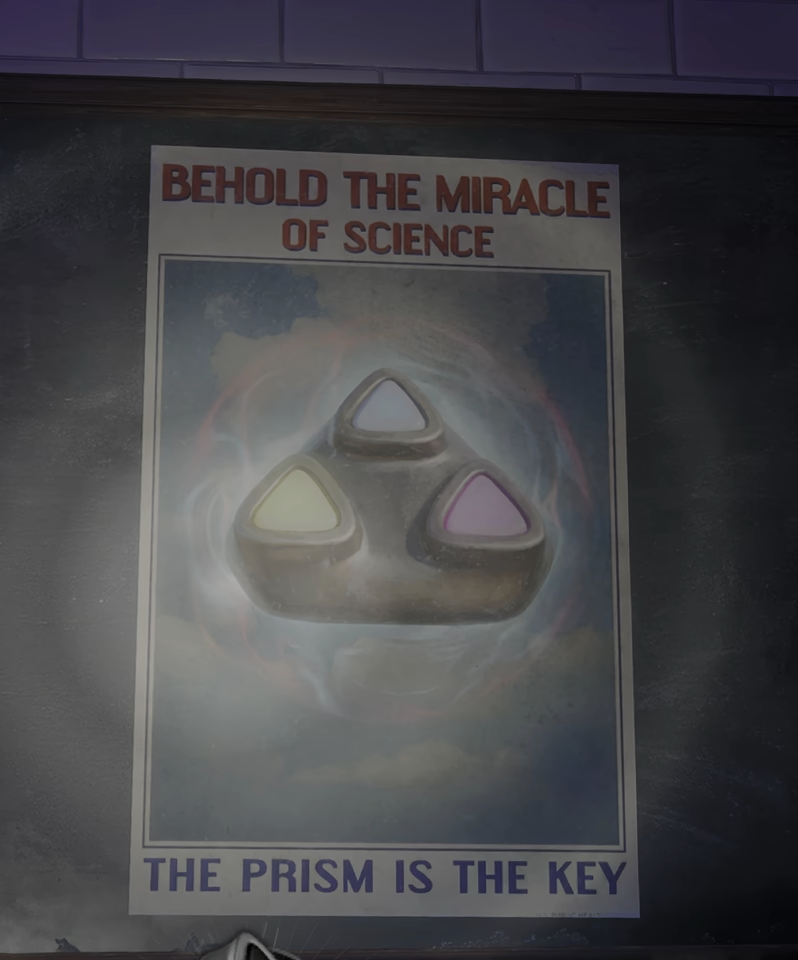
Sometimes the fix belongs in the content though.
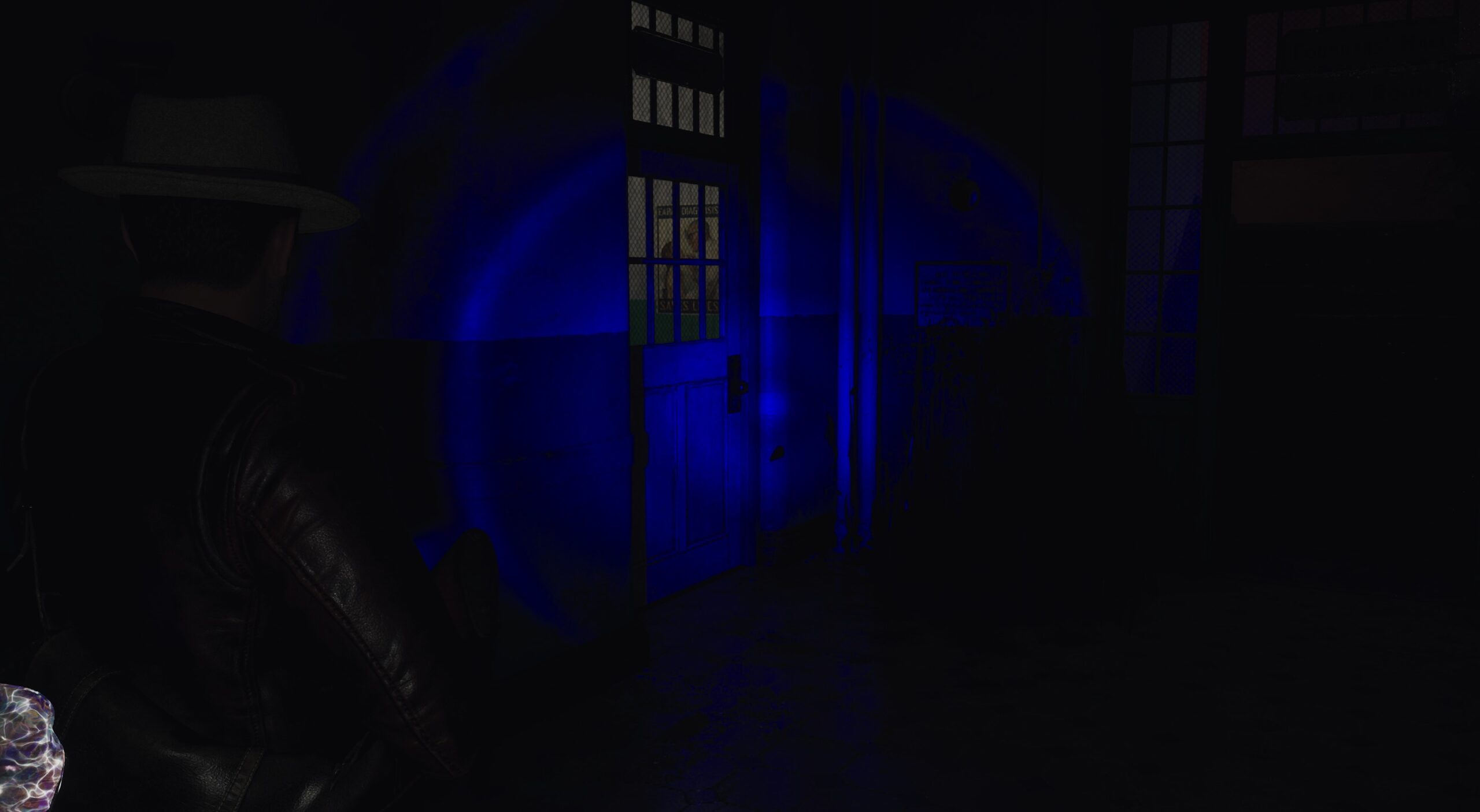
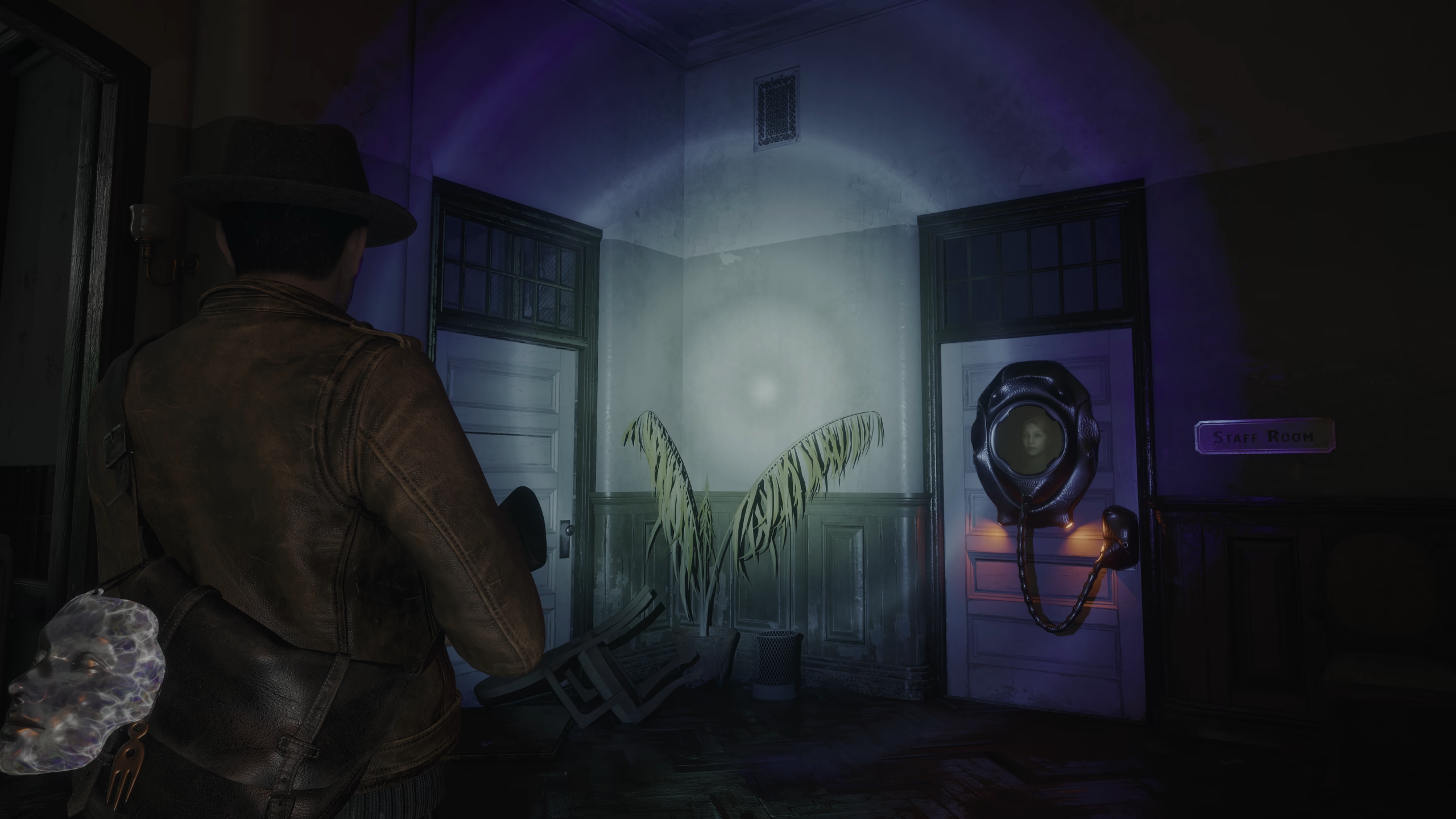
A colored filter on a white flashlight throws away most of its energy: a pure blue filter keeps ~7% of the luminance. So the beam is barely visible, and the tonemapper ends up in the worst case described above. Even in the vanilla build (without any of my changes), in SDR, the blue flashlight had steps at its edges and broken gradients.
Pure primaries are the worst case for any tonemapper, in SDR and HDR alike.
To fix this, I shifted the filter slightly towards cyan (less saturated, more luminous), and then compensated the light intensity for the luminance the filter takes away.
3. HDR exposes what SDR was hiding
A proper HDR implementation might bring out issues in the content that SDR had been hiding all along.
SDR clips everything above its range to white. If a light is slightly tinted, it just looks white, and nobody notices. HDR has the headroom to show you the color the asset actually has.
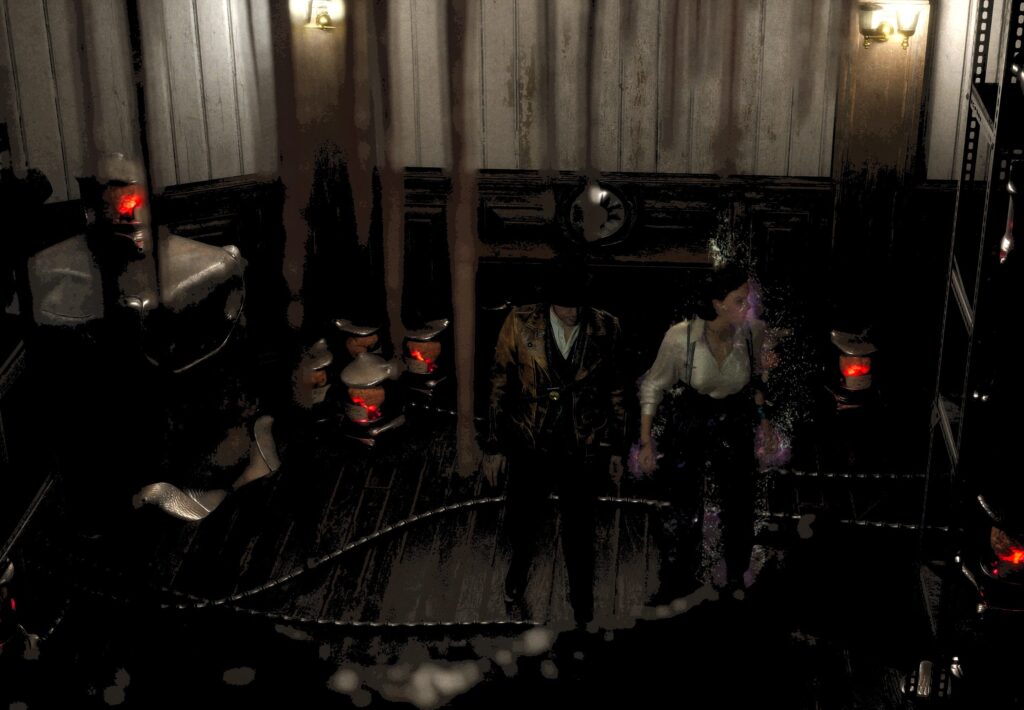
These street lamps are a good example: their glass emits a light blue. In SDR it clips and looks white, in HDR it's visibly blue.
Note that nothing is wrong with HDR here. It's showing the authored value faithfully. The fix belongs in the material: in this case, setting the emissive color to (near) white.
A lot of the game's post process materials had to be reworked for HDR too, as math errors made them look wrong in HDR. I have ever since developed extremely advanced ways of fixing all of them automatically.
4. DLSS: Unreal defaults vs a tuned configuration
Most PC players have an NVIDIA GPU, so DLSS is what most of them will actually use. Yet, out of the box, its Unreal integration leaves a lot of quality on the table: the image is blurrier and noisier than it should be, especially at low render resolutions, and all the small specular highlights that make HDR shine get smudged. Reflections and fast moving objects suffered from trails (ghosting).
So alongside HDR, I reworked how the game drives DLSS Super Resolution 4.5. The principle is simple: know what the model expects as input, and make the renderer work with it, not against it. Unreal defaults are made for a generic TSR case; some of them actively hurt the new models.
The result of my changes is a 3x upscale (720p to 4K, so from one ninth of the pixels) that rivals the quality of native 4K (DLAA) without my tweaks, with even sharper reflections, and even comes with a performance uplift at high quality settings, as certain passes that hurt the reconstruction are skipped.
Here it is in action, which is where the difference really shows. Each clip starts with the vanilla configuration and switches to mine after (the swap is pretty obvious :P).
And a couple of stills. Same render resolution (720p → 4K), default configuration on the left, mine on the right. 1:1 crops of the 4K output.
5. SDR vs HDR
Comparing SDR and HDR is surprisingly easy to get wrong, and many "HDR looks worse" impressions come from wrong comparison methods, not from actual technical differences.
See my reddit post on the matter.
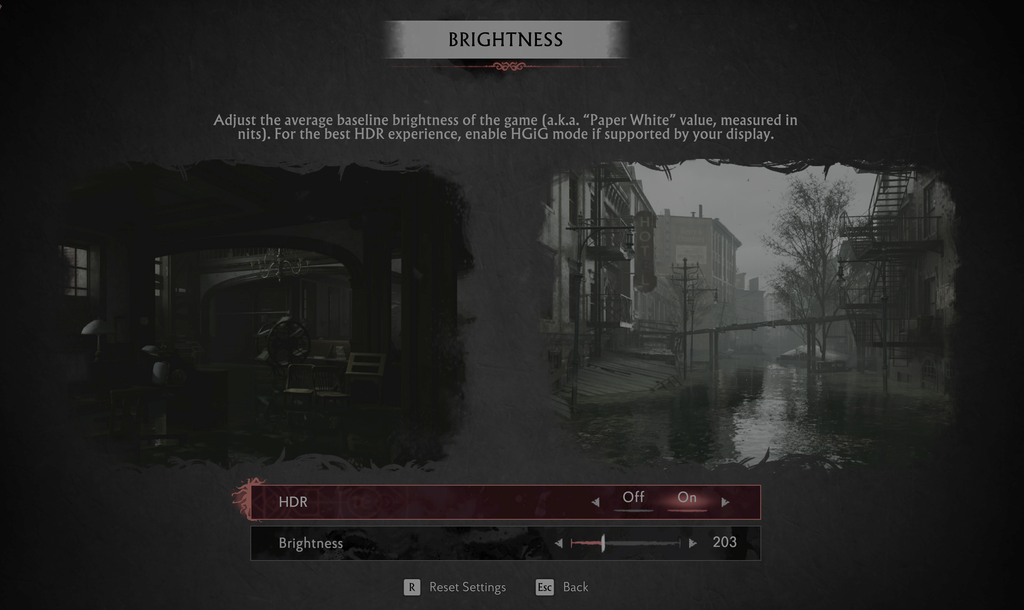
HDR isn't "brighter SDR". The brightness setting defaults to a 203 nits paper white (a common reference value), which roughly matches the peak brightness of SDR on modern TVs.
Ironically, SDR can seem brighter in comparisons, because highlights clip to white (the max value) and our perception goes: wow, that must be very bright. In HDR, highlights retain nuance, and thus feel more natural.
HDR also isn't just about highlights: there's more precision in shadows and a wider color gamut too, which matters a lot in a game this dark.
All the captures below are HDR files: the SDR ones were captured with the correct transfer function and paper white, so they are directly comparable to the HDR ones.
6. Black levels
In most games, due to technical mistakes with encoding, HDR actually ends up having raised blacks compared to SDR, or anyway a washed out look.
I make sure they match as a baseline, and then make further tweaks to either SDR, HDR only or both.
SDR often ends up being raised to compensate for bad LCD displays or is simply due to the game being graded in bad lighting conditions. I previously discussed that here:
https://gammastudios.tech/technical-color-grading-1-raised-blacks/
For this game, some game locations presented heavily raised blacks.
Besides that not looking good in OLED/HDR, this actually hampered visibility in shadow, resulting in the opposite of what it wanted to achieve. It arguably diminished the "fear" factor too, especially when playing from a dark room.
As such, I wrote a function to re-adapt the black raise live, keeping the same overall image average brightness, while making it more OLED friendly.
HDR before and after the fix. Do not judge these from your phone screen, the reference viewing environment is a dark room, and fullscreen. You can find a fullscreen button on the right.
Thanks to an extremely careful balancing process, and automated calibration from the display, we were able to get away without the myriad of settings that many HDR come with, that put the responsibility on users to find the right balancing. Here, it looks as it should out of the box, on all displays (except the mos
Reception
The HDR Gaming Database analysis called the results "simply stellar", noting the HDR look extends the SDR grade, and adding: "this might be the most accurate representation of an overcast sky I have seen in a game."
GamingTech also positively reviewed the implementation:
What shipped
- HDR on PC, PS5 and Xbox Series X|S, with HDR10+ GAMING support.
- A smooth, easy to use HDR calibration menu. With all of the actual display calibration being fully automated on all platforms.
- The Spectre tonemapper, in both SDR and HDR, with SDR and HDR matching each other.
- UI blended correctly on top of the HDR scene, at the same relative brightness as in SDR.
- Every post process effect that runs after tonemapping (overlays, photo mode filters, etc.) checked and adapted for both modes, and pre-recorded SDR videos slightly boosted to avoid them looking flat against HDR gameplay.
- A faint HDR boosting effect on pre-recorded SDR videos, to avoid them looking flat against the HDR game presentation.
- Frame Generation working in HDR.
- A reworked DLSS 4.5 Super Resolution configuration.
- Improved ultrawide support (21:9 and 32:9), with all the post process effects fixed.
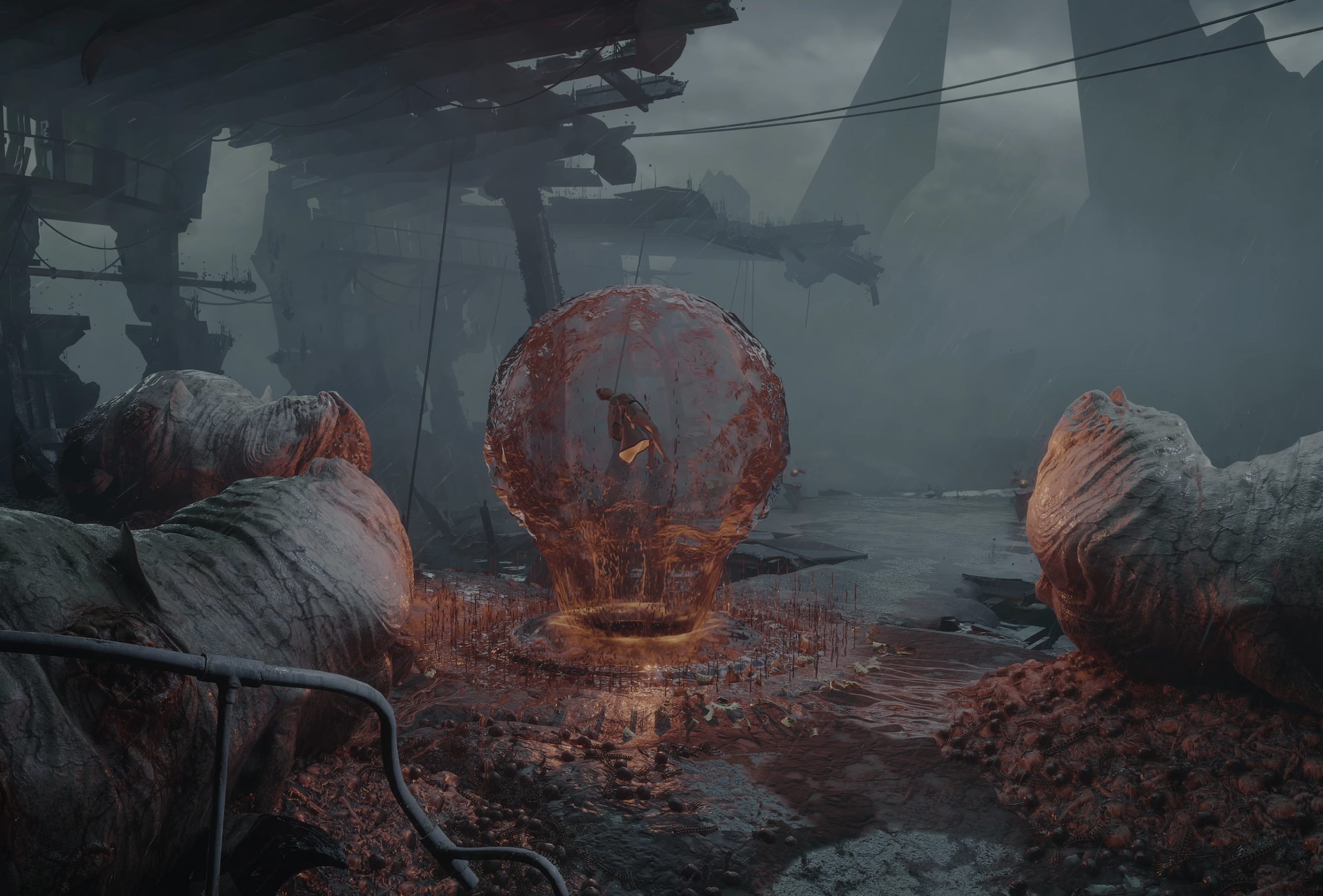
Spoiler: one last beautiful, painterly HDR shot, from late in the game (click to reveal)
Want this in your game?
If you are making an Unreal Engine game and want an HDR implementation that respects your art direction, great color grading, improvements to SDR and ultrawide, or just want to get the most out of DLSS/FSR/TSR, send me an email at filippo@gammastudios.tech.
Many more game implementations and articles are coming :).